Pro Image Cropper | Frame Your Story
Crop images online with surgical precision. Our professional image cropper ensures your visuals are perfectly framed for any platform. High-end, 100% private, and browser-based.
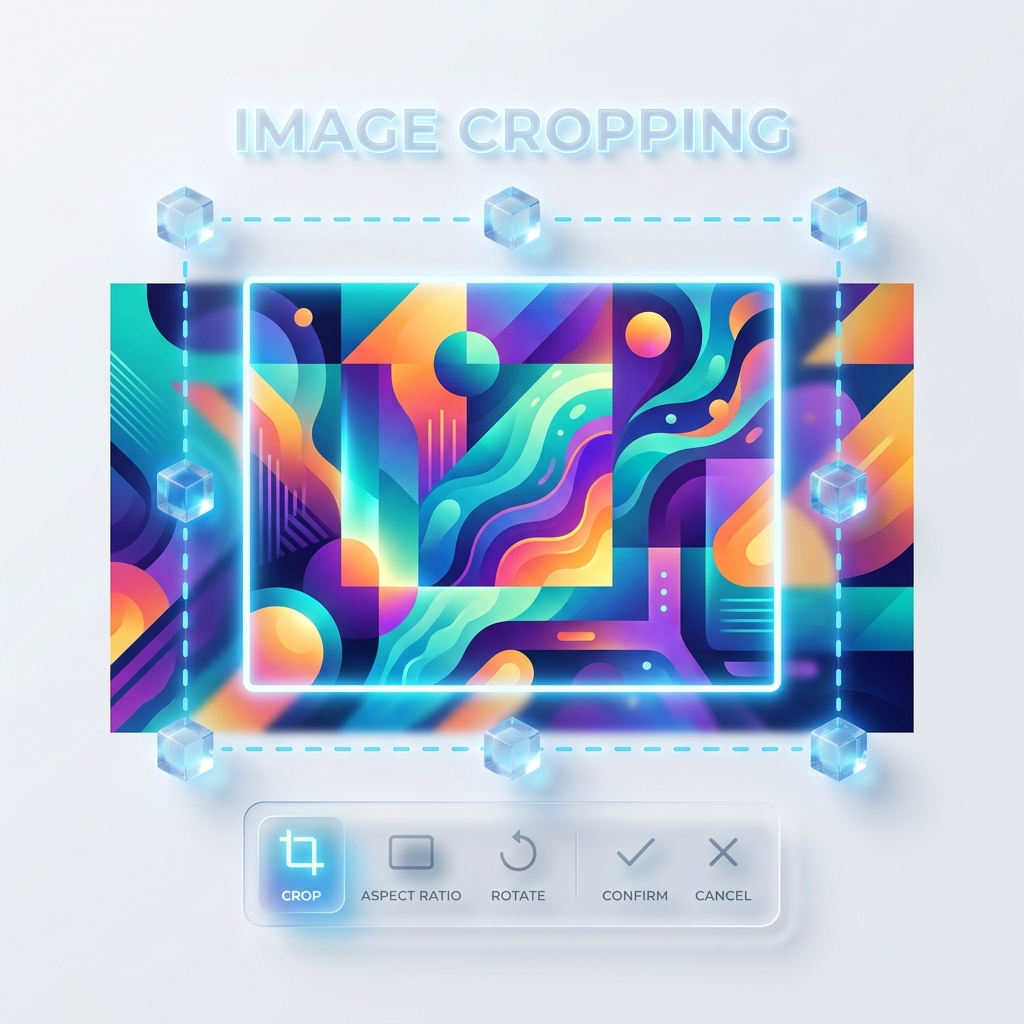
How It Works
Upload Image
Select your image
Crop Image
Select area to keep
Instant Download
Save your result
Upload an image to start cropping
The Art of Cropping Images Online
Cropping is one of the most essential edits you can perform. Whether you're removing an unwanted background element, focusing on a specific subject, or changing the aspect ratio for social media, a free online crop image tool is a powerful asset. Image Tool Bot provides a pixel-perfect cropping experience directly in your browser.
Why Aspect Ratios Matter for Cropping
Our tool includes standard preset ratios such as 1:1, 4:3, and 16:9. Using these presets allows you to frame your photos for specific platforms without any guesswork. Because our tool runs on client-side Javascript, your high-resolution original pixels are preserved perfectly.
How Our Crop Tool Works
Upload your file securely�it stays on your device. Use the dashed box to select the area you want to keep, preview the result instantly as the outer area dims, and hit "Apply Crop" to finalize your framing before downloading.
Frequently Asked Questions
Currently, our tool allows for free-form cropping. We are constantly updating our features to include fixed-ratio presets in the future.
Cropping removes pixels, which means the absolute resolution (total number of pixels) will be smaller. However, the visual quality of the remaining part of the image remains identical to the original.